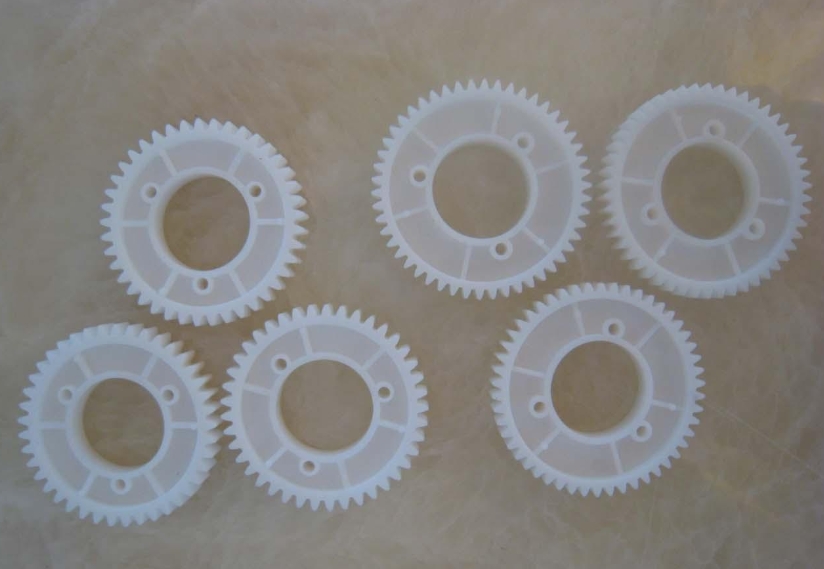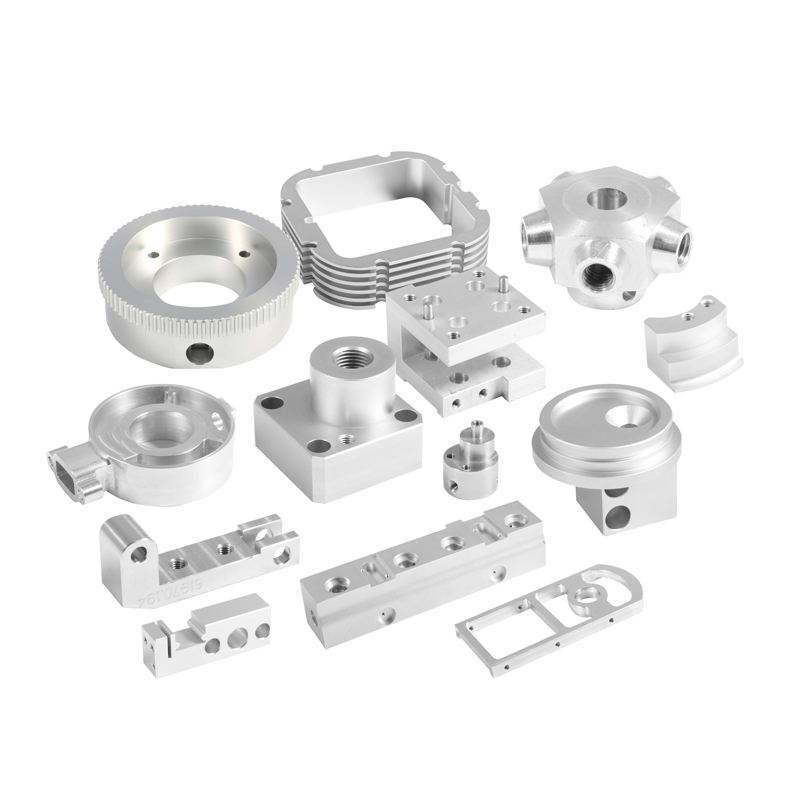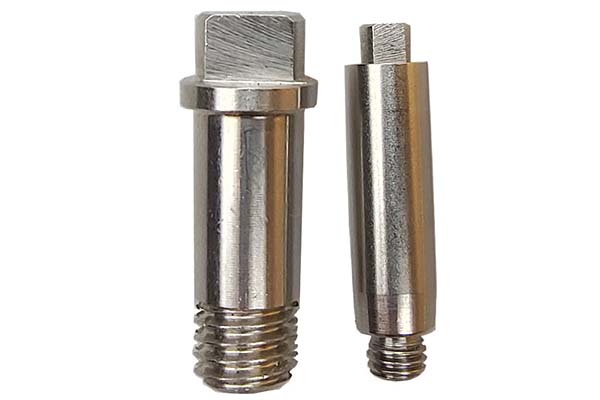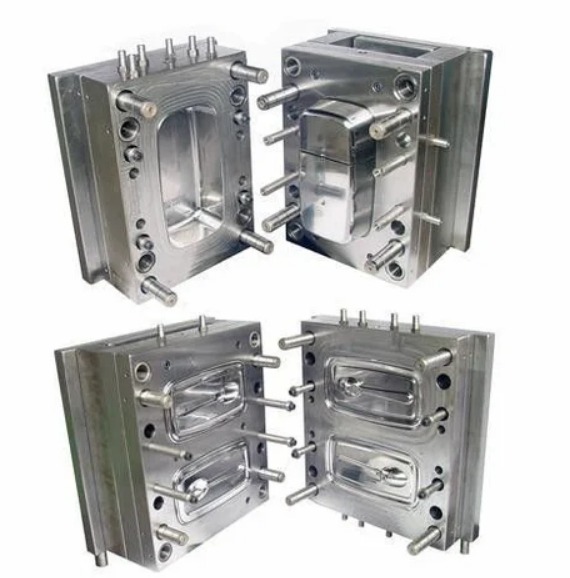
A CNC online quote is an instant, automated price estimation for custom-machined parts, generated by AI-driven platforms after analyzing your 3D design file and project specifications.
Getting a CNC online quote has revolutionized how engineers and procurement teams source custom parts. By uploading a 3D model, you can receive a detailed cost breakdown and lead time estimate in minutes instead of waiting days or weeks for a traditional manual quote. This guide will show you exactly how these platforms work, what information you need for an accurate quote, and how to intelligently compare your options to avoid hidden costs and ensure your project stays on budget.
Introduction
In the fast-paced world of product development and manufacturing, time is a critical resource. The traditional process of requesting quotes for CNC machined parts—involving emails, phone calls, and manual engineering reviews—can slow down innovation. CNC online quoting platforms use artificial intelligence (AI) and advanced algorithms to automate this process, providing instant quotes and Design for Manufacturability (DFM) feedback directly from your 3D CAD model. This shift not only accelerates decision-making but also brings unprecedented transparency to manufacturing costs. Understanding how to effectively use these tools, interpret the results, and select the right manufacturing partner is essential for modern engineers and buyers. This guide will walk you through the entire process, from preparing your files to comparing final quotes.
What Is a CNC Online Quote?
A CNC online quote is a real-time price and lead time estimate for manufacturing a custom part, generated automatically by a digital platform. Unlike a traditional quote that requires manual calculation by a sales engineer, online quotes are produced by software that analyzes your uploaded 3D design file (such as STEP, STL, or SolidWorks formats).
These platforms, like Xometry, RapidDirect, and meviy, use AI and machine learning algorithms trained on vast datasets of past projects to assess part complexity, material requirements, and manufacturing processes in seconds. The quote typically includes a detailed cost breakdown and allows you to adjust parameters like material, quantity, and surface finish to see their immediate impact on price and delivery.
How Do Online Quoting Platforms Work?
The magic behind an instant quote lies in a sophisticated, automated workflow. Here’s a step-by-step look at what happens after you upload your file:
- 3D File Analysis & Feature Recognition: Advanced computational geometry algorithms examine your CAD model. They identify key features such as pockets, holes, thin walls, and undercuts, and calculate the overall volume and dimensions of the part.
- Automated Manufacturing Analysis: The system determines the best machining process (e.g., 3-axis vs. 5-axis milling, turning) and estimates the machine time required. It factors in toolpaths, setup complexity, and the challenges posed by specific geometries.
- Cost Calculation via AI: Using a machine learning model trained on historical production data, the platform calculates costs. The core formula driving this is often:
Total Cost = Material Cost + (Machine Time × Machine Rate) + Setup Cost + Finishing Cost. - Instant DFM Feedback: Many platforms provide immediate Design for Manufacturability (DFM) notes. They might flag areas that are expensive to machine (like very deep pockets), suggest design tweaks to lower cost, or warn of potential quality issues.
- Dynamic Quoting Interface: You are presented with an interactive quote where you can instantly see how changing the material (e.g., from aluminum 6061 to stainless steel 316), quantity, or adding a surface finish like anodizing affects the total price and lead time.
Key Information Needed for an Accurate Quote
To get a useful and reliable quote, you must provide clear and complete information. The more precise your inputs, the more accurate the output will be.
| Required Information | Why It's Important | Examples / Tips |
|---|---|---|
| 3D CAD File | The primary source for all geometric analysis. It defines the part shape. | Upload native or standard neutral files (STEP, STL, SLDPRT). Ensure the model is watertight with no errors. |
| Material Specification | Drives material cost and heavily influences machining time and tool wear. | Specify from platform's list (e.g., Aluminum 6061, Stainless Steel 316, POM). If unsure, start with a common, easy-to-machine option. |
| Quantity | The single biggest factor affecting unit price due to the amortization of setup costs. | Be realistic about prototype vs. production volumes. Even testing quantities like 1, 10, and 100 can reveal significant per-part savings. |
| Critical Tolerances | Unnecessarily tight tolerances exponentially increase cost due to slower machining and extra inspection. | Call out only the tolerances critical for function. Use general tolerances (e.g., ISO 2768-m) for non-critical features. |
| Surface Finish Requirements | Adds post-processing steps (labor, materials, time). | Specify only where needed (e.g., "Anodized, Black, for cosmetic surfaces"). "As-machined" is the most economical. |
| Certifications or Special Testing | Requirements like material certifications or first-article inspection (FAI) reports add administrative and quality control costs. | Only select if required by your industry (e.g., medical, aerospace). |
What Factors Influence Pricing?
Understanding the core cost drivers empowers you to design for cost-effectiveness and interpret quotes intelligently. The pricing formula mentioned earlier breaks down into these key components:
- Material Cost: Determined by the raw stock size needed for your part. Designing to fit standard stock sizes minimizes waste and cost.
- Machine Time: The most variable cost driver. It is affected by:
- Part Complexity: Features like deep pockets, thin walls, and complex 5-axis geometries require more toolpaths, slower speeds, and more tool changes, increasing time.
- Material Machinability: Softer materials like aluminum and common plastics machine faster. Harder materials like stainless steel or titanium require slower feeds, increasing machine time.
- Setup Cost: A fixed, one-time cost for CAM programming, fixture preparation, and machine setup. This is why unit cost drops dramatically with higher quantities.
- Finishing & Post-Processing: Each added step—deburring, sandblasting, anodizing, painting—adds cost. Complex parts with large surface areas cost more to finish.
Lead Time Estimations
Online platforms typically provide a lead time estimate alongside the price. Standard lead times can range from 3-5 days for simple, urgent prototypes to 10+ days for complex parts or higher volumes. Lead time is influenced by:
- Part Complexity & Size
- Current capacity of the platform's manufacturing network.
- Selected finishing processes.
- Shipping destination. Some platforms have global networks to optimize logistics.
How to Compare Multiple Quotes?
Simply comparing the bottom-line price is not enough. A fair comparison requires looking at the details.
- Compare "Apples to Apples": Ensure each quote is for the exact same material, quantity, tolerances, finish, and certification requirements.
- Analyze the Cost Breakdown: Look at how the total cost is distributed. A higher quote with more cost in machine time might indicate a more accurate assessment of your part's complexity. A suspiciously low quote might have underestimated this.
- Evaluate DFM Feedback: The quality of automated DFM suggestions is a strong indicator of a platform's engineering expertise. Useful feedback can save you money and future headaches.
- Consider the Sourcing Model: Understand who is quoting.
- Manufacturing Network (e.g., Xometry, Fictiv): Provides a single managed quote, handling supplier selection and quality control for you.
- Direct Manufacturer (e.g., RapidDirect): Quote comes from a single factory, ensuring direct control but no competitive bidding.
- Sourcing Marketplace (e.g., Alibaba, Haizol): Provides multiple competing quotes from different factories, requiring more vetting effort on your part.
Hidden Costs to Watch For
To avoid budget surprises, be aware of these potential additional charges:
- Expedite Fees: Rushing the standard lead time often incurs a premium.
- High-Precision Inspection: While standard inspection is usually included, detailed 3D scan reports or full first-article inspection (FAI) documentation are typically extra.
- Special Packaging or Shipping: Requirements for sterile packaging, special handling, or expedited international shipping can add cost.
- Engineering Change Orders (ECOs): Making changes to the design after the order is placed and production has started will result in additional charges.
- Minimum Order Charges: Some shops have a minimum billing amount, which can affect the cost of very small prototype orders.
Conclusion
Leveraging CNC online quote platforms is a game-changer for efficient manufacturing procurement. By providing a detailed 3D model and clear specifications, you can receive instant, data-driven cost insights that fuel better design and budgeting decisions. The key to success lies in understanding the core cost drivers—material, complexity, quantity, and setup—and using that knowledge to compare quotes holistically, not just on price. Remember, the most valuable outcome of this process is not just a number, but the actionable DFM feedback that helps you optimize your design for manufacturability, performance, and cost before a single cut is made. Embrace these digital tools to streamline your workflow and bring better products to market faster.
Frequently Asked Questions (FAQ)
What file formats are accepted for online CNC quotes?
Most platforms accept standard 3D CAD formats. Commonly supported formats include STEP (.stp), STL, SolidWorks (.sldprt), IGES, and Parasolid (.x_t). For the most accurate quote, provide a watertight (error-free) 3D model rather than just a 2D drawing.
How accurate are instant online quotes compared to manual quotes?
For standard parts with clear specifications, AI-generated quotes are highly accurate, as they are based on massive historical production datasets. However, for exceptionally complex, novel, or high-precision parts, a subsequent manual review by a platform engineer might fine-tune the final price.
Can I get a quote for both prototyping and production volumes?
Yes. One of the greatest advantages of online platforms is the ability to instantly see volume-based pricing. You can easily adjust the quantity slider to see how the unit price drops from a single prototype to a production run of hundreds or thousands, thanks to the amortization of setup costs.
Is my design file safe and confidential when I upload it?
Reputable platforms take intellectual property (IP) protection very seriously. They use secure servers, encryption, and legally binding Non-Disclosure Agreements (NDAs). Many also offer platform-level IP protection features. Always review the platform's privacy and security policy.
Contact Yigu Technology for Custom Manufacturing.
At Yigu Technology, we combine the precision of advanced CNC machining with the transparency and speed of digital service. While we provide expert, personalized engineering support for every project, we also embrace efficient processes to deliver clear, competitive quotes and reliable timelines.
Our team is ready to help you navigate from design to finished part. Upload your CAD file today to initiate a consultation and receive a detailed, no-obligation quote for your CNC machining project.